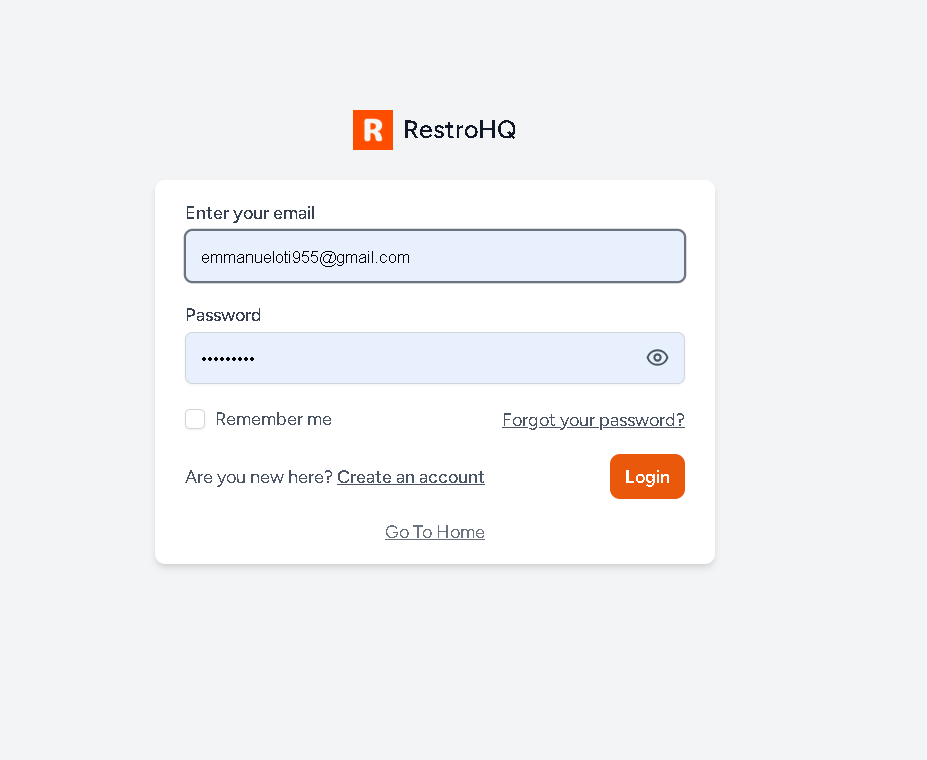
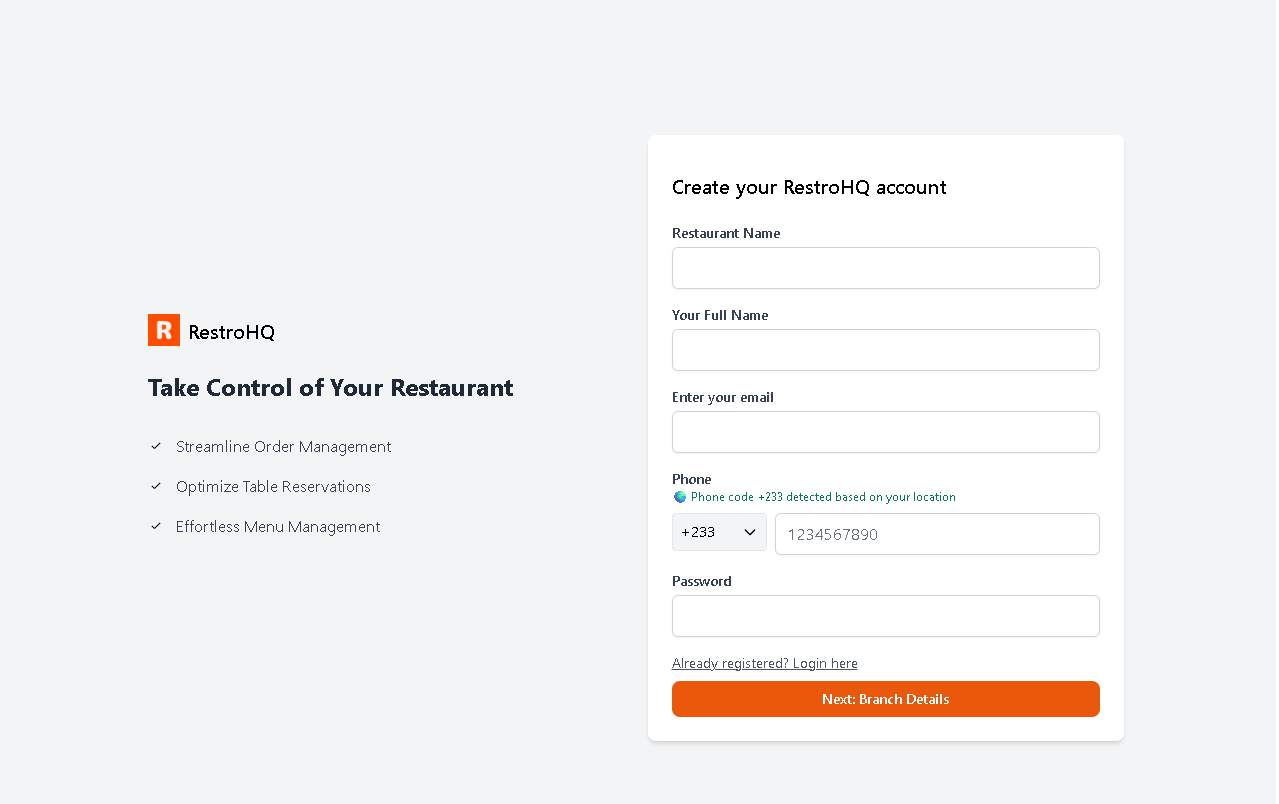
Creating a RestroHQ account is very easy. All you need is an active business email and a strong password.
Register your restaurant
To successfully create your account, please have the following information ready:
- Restaurant Details: Your restaurant name and basic business information.
- Professional Email Address: Use a business email (e.g., info@yourrestaurant.com) for official correspondence.
- Restaurant Phone Number: Provide your main contact number to ensure customers and partners can reach you easily.
Note: Your location has been detected automatically, so your country code (+233) is pre-filled. You’ll only need to enter the remaining digits.
Verify email
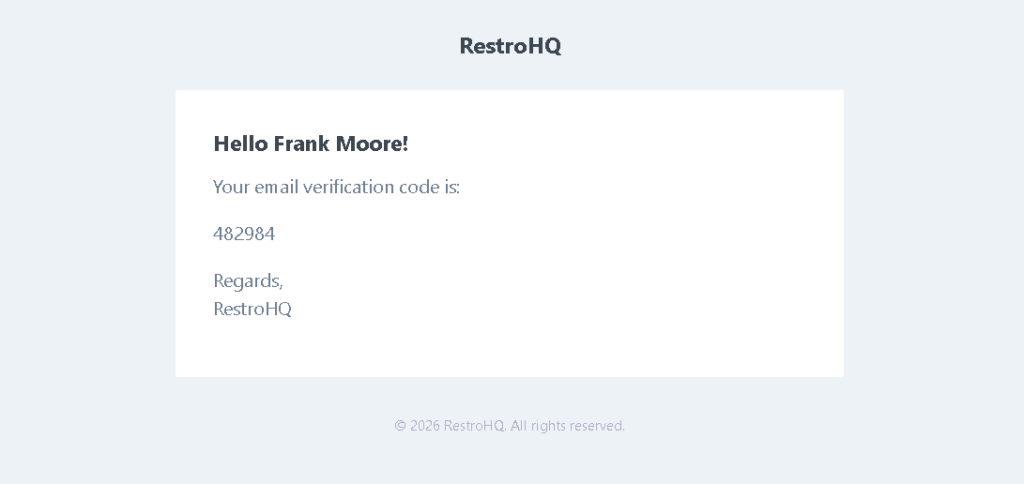
For your security, a verification code will be sent to your email or phone after registration. This extra step helps protect your account from unauthorized access.
Log in to the dashboard
Access your RestroHQ dashboard to manage orders, tables, and menu updates in real time. Simply log in with the email and password you used to create your account.